Sapori di Italia
Wholesale site
The store wants the site to be for wholesale only: people browse what the kitchen makes and call the shop to order. These five drafts do that, in the tile maroon, sand and sage from the shop with cream, and a cleaner, more modern look than inside the store.
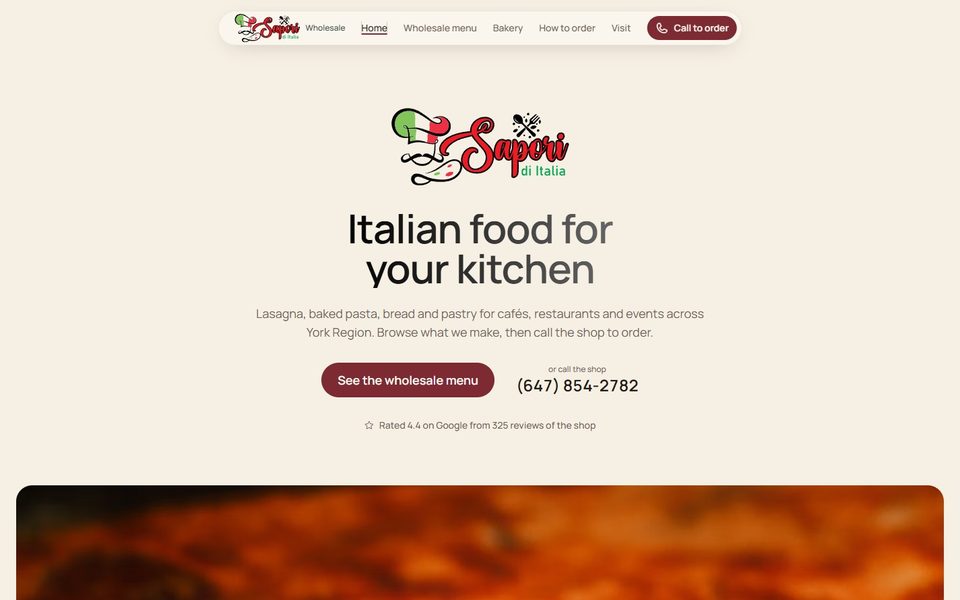
Draft 1 · Closest to the bakery site she liked
Sabbia
Sand. A quiet centred welcome, then a big photo that rolls into view as you scroll, sand panels split with photos.
- Menu as a calm two column list with round photos
- Photo strip that slides as you scroll
- Deep brown footer, like the reference
Open Sabbia
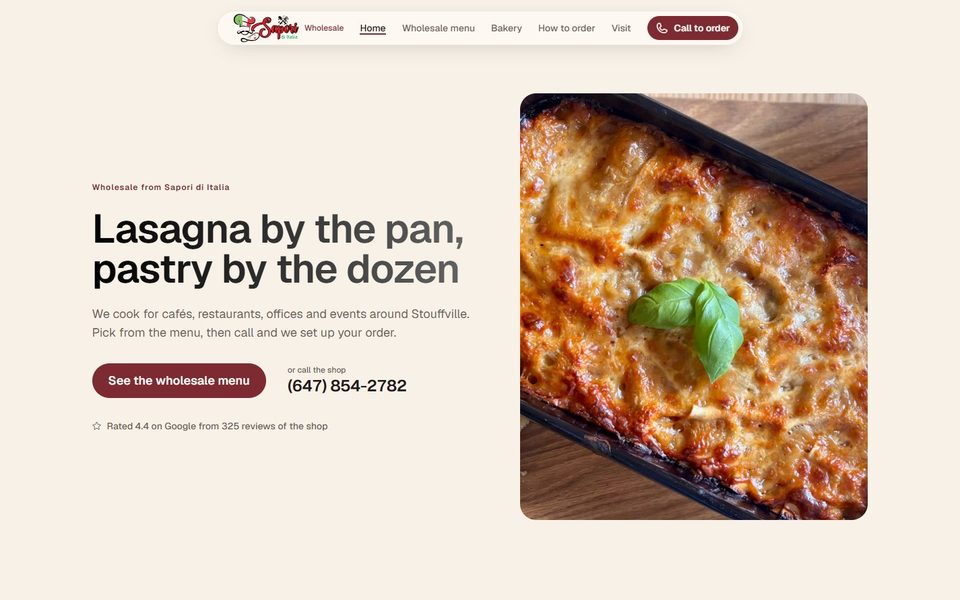
Draft 2 · Maroon from the tile wall
Cantina
Split welcome with a tall photo, large flat maroon panels, and a menu that reads like a supplier's catalogue.
- Menu with a sticky section index on the side
- Each section opens with a big photo
- Maroon footer
Open Cantina
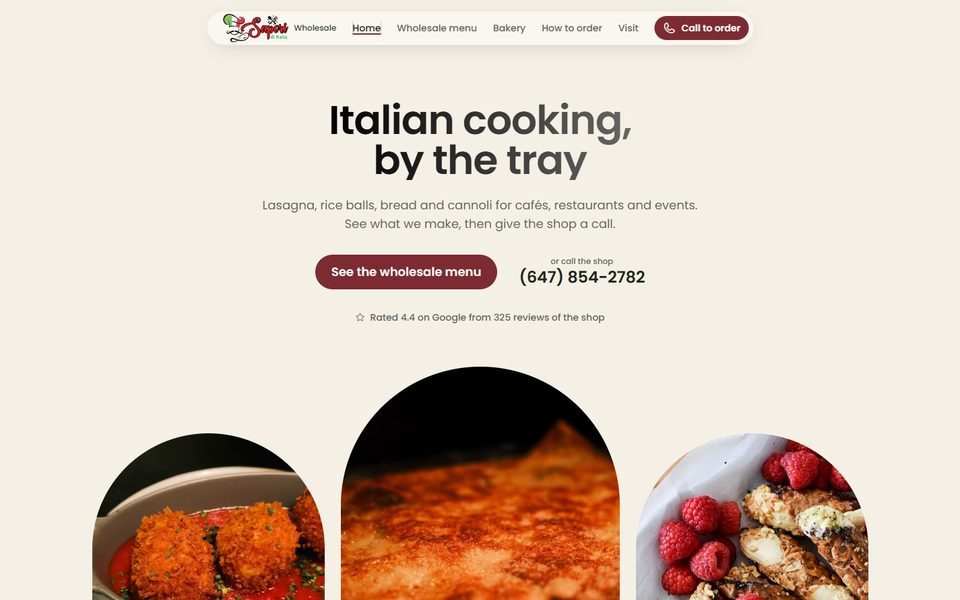
Draft 3 · Sage from the slat wall
Oliva
The most traditional one. Photos sit in Italian arches and rise into them as you scroll, with soft sage panels.
- Home lists the menu sections as a short row of links
- Menu as arched cards with filter buttons
- Sage and cream, maroon only on buttons
Open Oliva
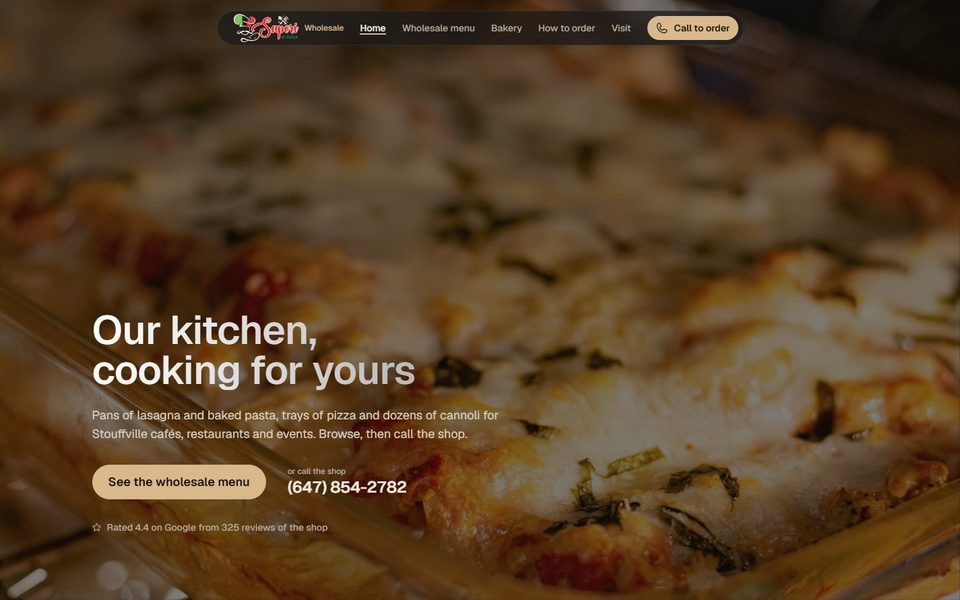
Draft 4 · Dark walnut and amber
Noce
Dark and warm like the wood and bottles behind the counter. A full screen photo opening and sand coloured buttons.
- Menu rows with a small photo and pack sizes
- Tap a row to see what it contains: allergens, vegetarian, no dairy
- The most modern of the five
Open Noce
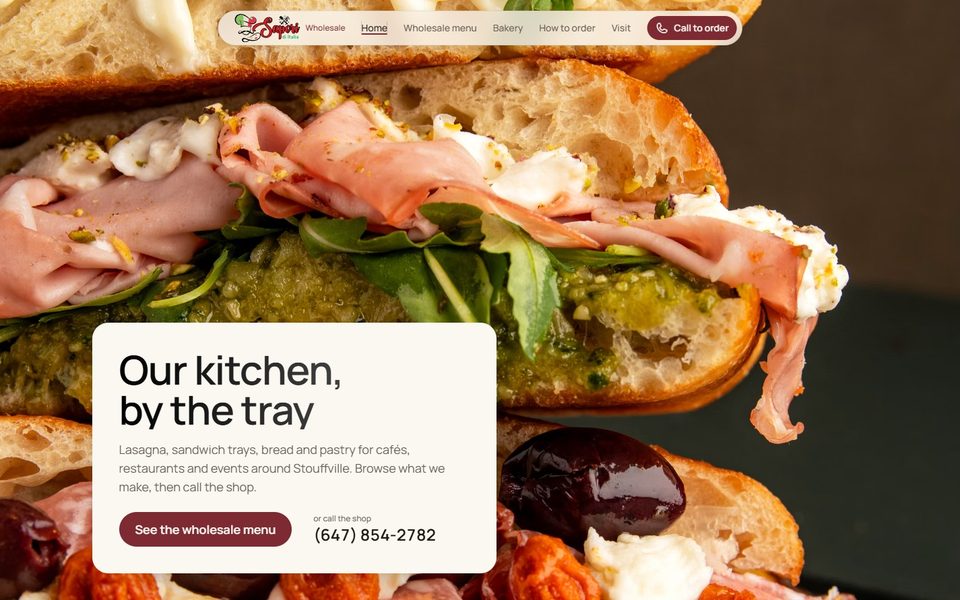
Draft 5 · The photo fills the screen
Cornice
Frame. Every page opens on one photo that fills the whole screen, edge to edge, with the words on a plain cream card in the corner.
- Photos drift slowly as you scroll
- Menu as photo cards, tap one for ingredients and allergens
- Built for the real photos from the shoot
Open Cornice
In every wholesale draft
- Home, Wholesale menu, Bakery, How to order and Visit, plus privacy and a 404 page.
- The real Sapori di Italia logo in the menu bar and footer, and the chef hat as the browser tab icon.
- No online ordering or payment. Every item says "Call for price" and the phone number is on every page.
- Call list: customers tick what they want and keep the list on screen, or print it, while they phone Pat.
- Items the store still has to confirm carry a small yellow "to confirm" tag.
For later: deposits through Clover
A clickable demo of online orders with a deposit: the order lands on their Clover, and the deposit refunds itself when the customer pays at pickup.
Open the Clover demo
Earlier storefront drafts
Made before the store said wholesale only. Kept for reference.
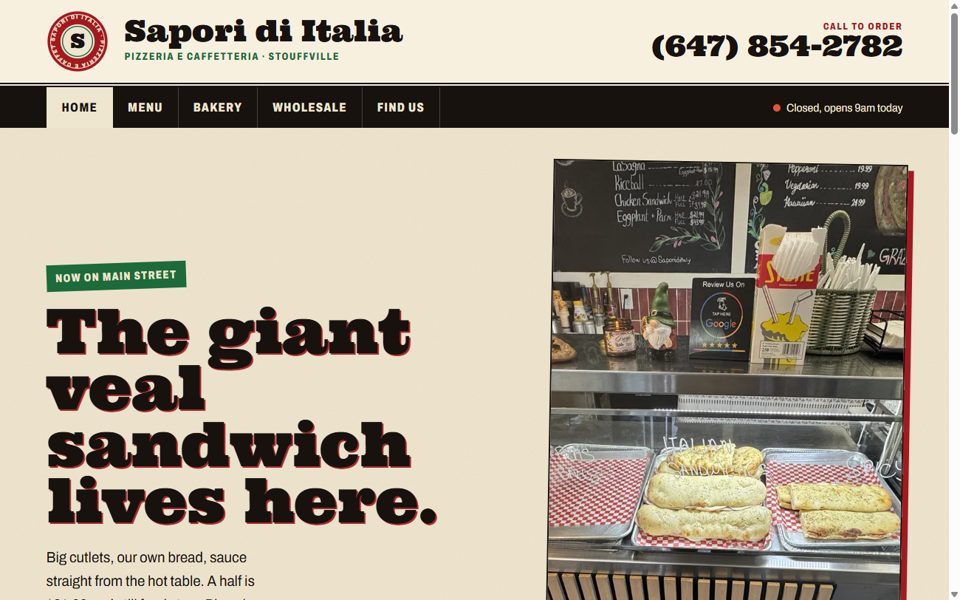
Option 1 · Bare but best
Essentials
"Il Volantino": their own takeout flyer, in red-and-black riso print.
- Menu with real prices, hours, map
- Tap-to-call everywhere, tear-off phone tabs
- Printable wholesale order sheet in big type
- Fastest to load, almost nothing to maintain
Staff workloadNone new. Orders still come by phone, which is how Pat works today.
Open Essentials
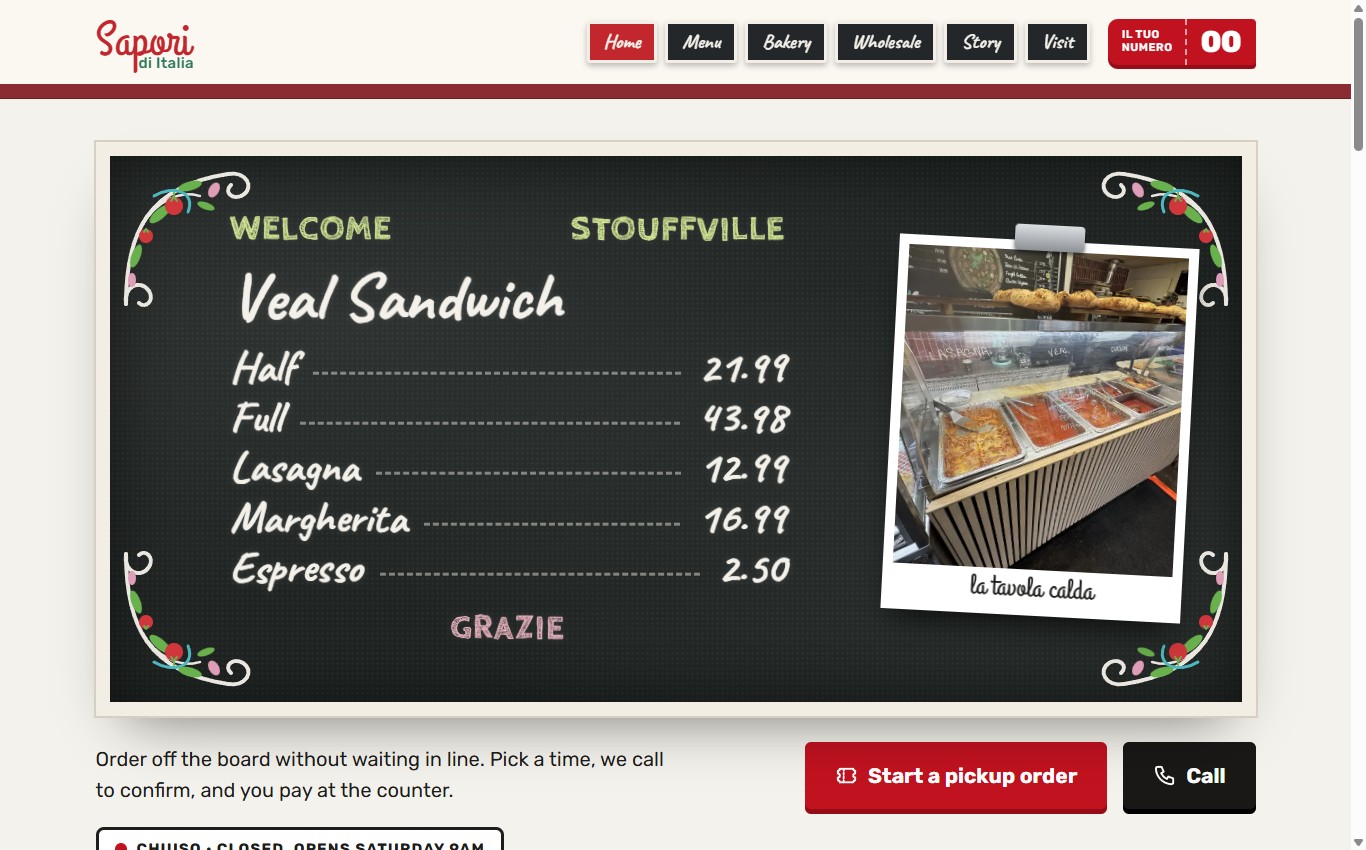
Option 2 · What they can handle
Standard
"La Lavagna": their hand-painted chalkboards and burgundy tile.
- Pickup order cart with toppings and pickup times
- Wholesale order form with standing weekly days
- Every order prints itself as a large-type ticket with Italian names
- Pay at the counter. The store calls to confirm.
Staff workloadTear the ticket off the printer and make it. Lynda's phone also gets an email copy.
Open Standard
Two more looks
The same colours in two more styles, each built from a different part of the shop. Both are full sites with everything Standard has: a pickup order cart with toppings and pickup times, a wholesale order with weekly days, and the auto-printed big-type kitchen ticket.
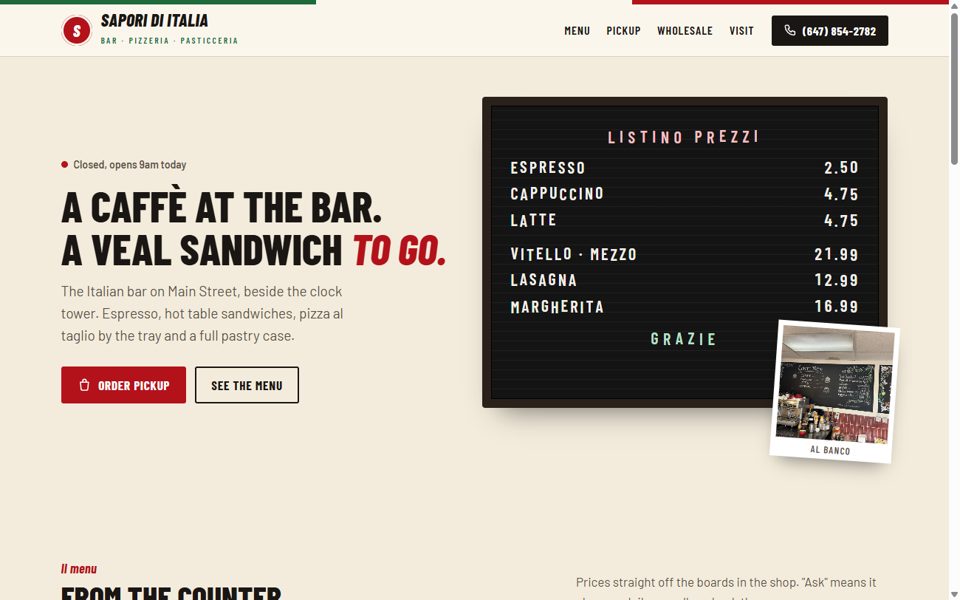
Option 3 · Same features as Standard
Bar Italia
The espresso bar side of the shop: a peg-letter price board, sugar-packet menu cards, a register receipt and an enamel hours plate.
- Reviews printed on the "back" of sugar packets, like real Italian ones
- Narrow bar-sign lettering, kept at a calm size
- Real photos, no colour overlays
Open Bar Italia
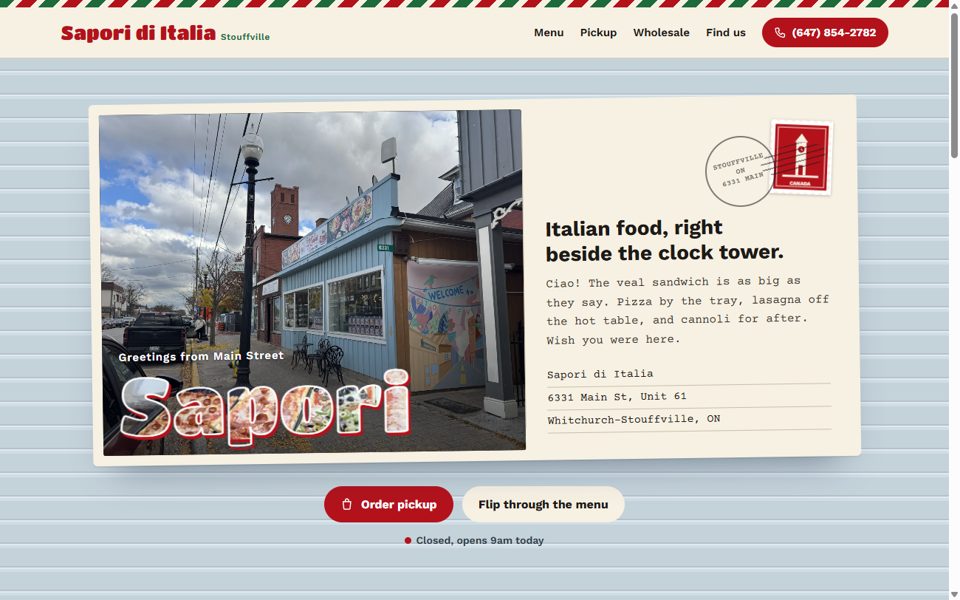
Option 4 · Same features as Standard
Cartolina
A postcard from Main Street. The background is the pale-blue clapboard of the real storefront, with a clock-tower stamp.
- The menu is a rack of postcards you flip over (or tap on a phone) to see prices
- "Sapori" is filled with a photo of their own pizza trays
- Reviews come in as stamped cards
Open Cartolina
Side by side
| Essentials | Standard | Bar Italia | Cartolina |
|---|
| Look | Takeout flyer, riso print | Their chalkboards and burgundy tile | Espresso bar: peg board, sugar packets | Postcard from Main Street |
| Menu, hours, map, call | Yes | Yes | Yes | Yes |
| Online pickup orders | Phone only | Request, store calls back | Request, store calls back | Request, store calls back |
| Wholesale | Printable sheet + phone | Online form, standing days | Online form, standing days | Online form, standing days |
| Auto-printed kitchen ticket | No | Yes | Yes | Yes |
| Online card payment | No | Can add later | Can add later | Can add later |
| Running cost (approx.) | $0/month on Cloudflare | $0/month + an email-print printer (one-time). Card fees only if payment is added. |
Still needed from the store
- A close-up of the veal sandwich cut open, the one photo we're missing. The menus still use a stock photo for it.
- Prices for the cannoli, bomboloni, pistachio zeppole, slices and trays (they show as "Ask" for now).
- OK from the staff member in the pastry-case photo before we use it big.
- An email inbox for orders (Lynda's?) and their logo file.
- Confirm the about-page wording on Pat, Frank and Lynda.
How the auto-print works
- A customer sends an order on the site.
- A Cloudflare function emails the big-print ticket to the store inbox and to the printer's own email address (HP ePrint, Epson Connect or Brother).
- The printer prints it on its own. Nobody has to open a laptop or read English on a screen.
- Wholesale tickets are green and pickup tickets are red.